Xuper TV Not Working? 9 Checks Before You Reinstall
Separate a network, stream, account, server, version, or device problem and use the lowest-risk fix first.
Xuper TV APK editorial team · Updated July 25, 2026
Xuper TV not working can mean that the app will not open, crashes at the logo, shows a black screen, buffers forever, rejects a login, or loops through an update prompt. Those failures do not share one automatic fix.
This guide starts with reversible checks and reserves reinstalling for evidence of a damaged or incompatible APK. On July 25, 2026, we found no first-party Google Play, App Store, GitHub Releases, or developer release-note source confirming one universal latest Xuper TV version for both TV and mobile.

Xuper TV not working: identify the scope first
Record the first point where the failure appears. If menus load but one channel does not, the APK has already started and the stream source is the better suspect. If no categories load, test another network. If the app closes before the menu, focus on storage, memory, cache, Android compatibility, and the installed build.
Repeat one controlled test on another device when possible. Two devices failing on the same Wi-Fi point toward the router, DNS, or provider. The same failure on Wi-Fi and mobile data may point to the service, account, or region. One affected device usually calls for a local fix.
- One channel fails: switch channel and category.
- The whole app fails: restart and change networks.
- One device fails: inspect cache, storage, and Android version.
- Several devices and networks fail: wait and verify service or regional status.
When Xuper TV will not open, crashes, or freezes on the logo
Force-stop Xuper TV in system settings, restart the device, and leave usable free storage. Low-cost TV boxes may lack memory or instruction support required by a newer build. Close background apps and avoid restoring data from a different build.
Clear cache before clearing app data. Clearing data removes the session and preferences. If crashes began immediately after an Android or Xuper TV update, record the previously working version. A larger version number is not enough: platform, package, signature, date, and source must also match.
- Force stop and reopen.
- Restart the phone, TV, TV box, or Fire TV.
- Free storage and close background processes.
- Clear cache first; clear data only if login can be recovered.
- Do not install a mobile build on a TV device.
Black screen, endless loading, buffering, or missing streams
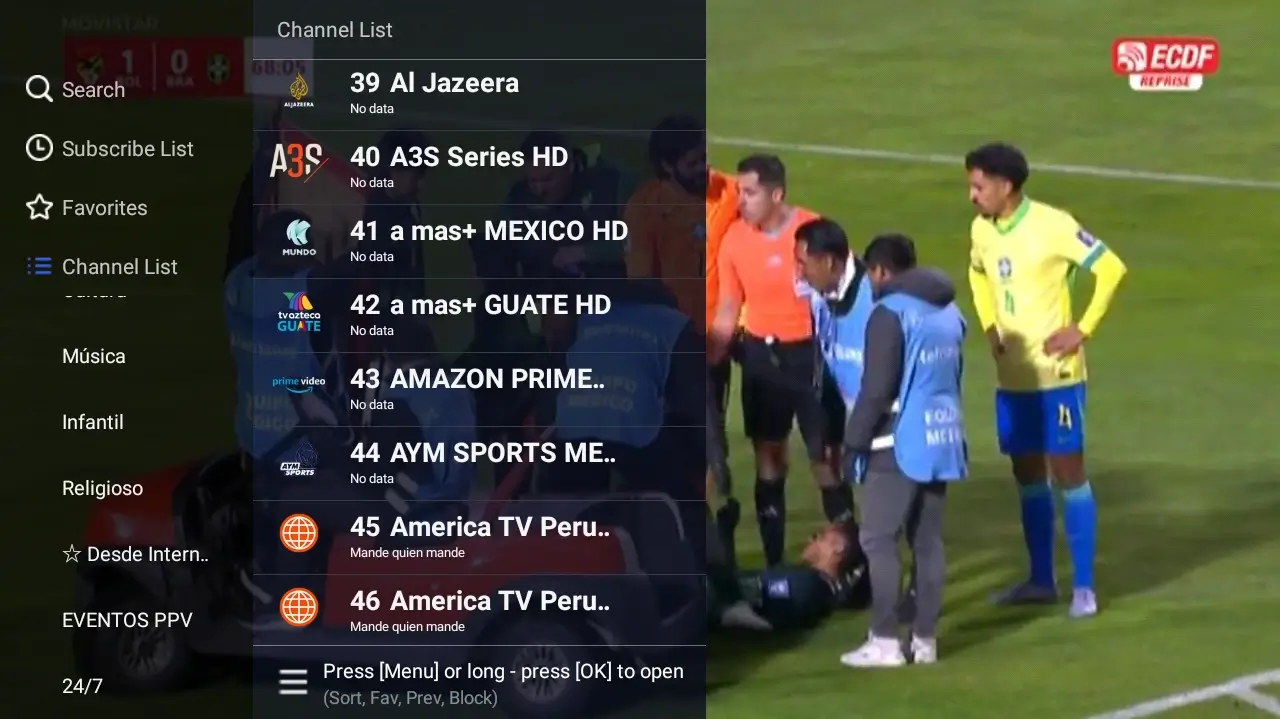
A black screen after the menu opens is not automatically an APK failure. Try another channel, another category, and a lower quality setting. Restart the router and pause large downloads. Incorrect device date and time can break secure connections and sessions.
If only specific content fails, wait instead of reinstalling. If everything fails on Wi-Fi but works on mobile data, investigate the local network, DNS, ISP filtering, or regional restrictions. This guide does not advise bypassing legal blocks; check local rules and licensed alternatives.
- Test a second channel and category.
- Lower quality when the control exists.
- Enable automatic date and time.
- Restart the router and test another network.
- Do not assume that a VPN or modified APK is a safe fix.
Xuper TV will not update or keeps requesting an update
An update loop can be caused by a mismatched signature, a build for another device class, an incomplete installer, or a server requirement that the hardware cannot satisfy. Capture the exact message and current version before uninstalling anything.
The TV route configured by this site returns an HTML distribution page. The MediaFire mobile page blocks automated inspection, while its 7.0 filename conflicts with the site's 6.5.0 label. Without first-party release notes, we do not treat 7.0, 5.1.7, 4.99.5, or 6.73.0 as a verified universal release.
- Do not tap Update repeatedly.
- Record the version, device, and message.
- Compare package and signature with reliable tools.
- Keep a copy of the working build.
- Use a verifiable release page; if none exists, do not call a file the latest.
Account, payment, region, and server errors
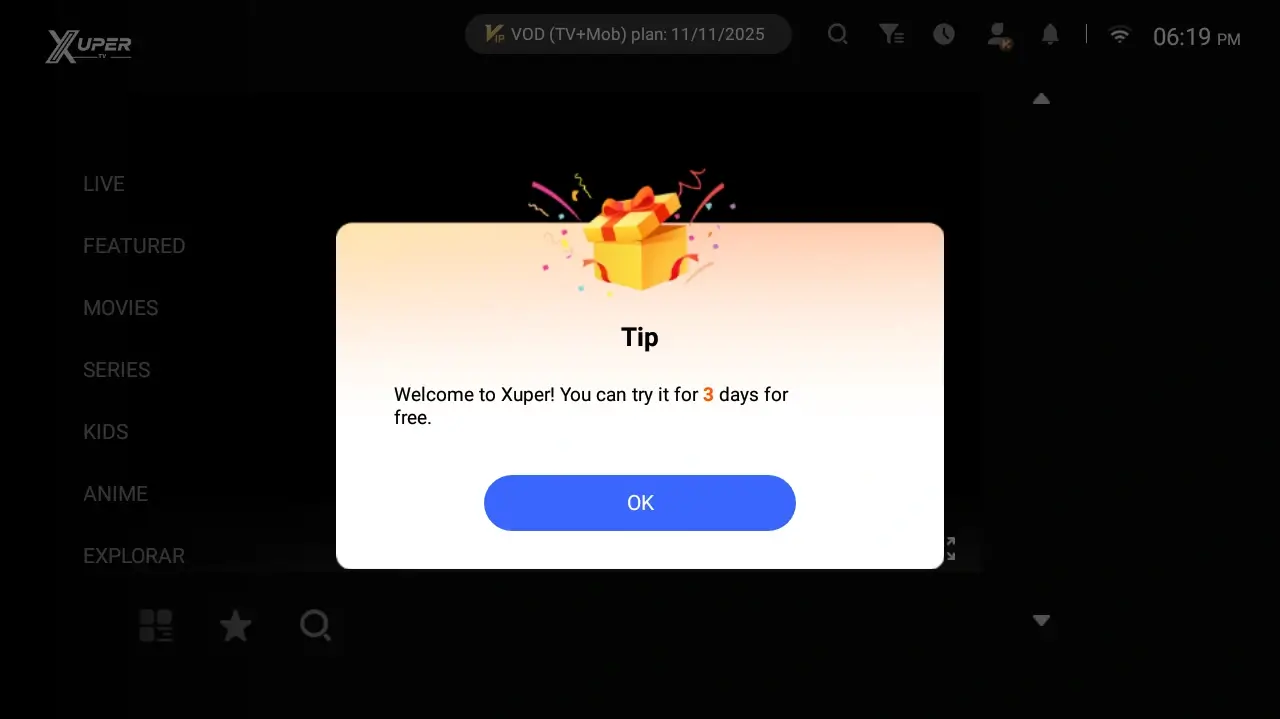
For login, payment, or region messages, clearing cache may refresh a stale session but cannot remove a server policy. Confirm the email, device time, and whether the same message appears on another network. Never submit credentials to a page promising a free VIP unlock.
News outlets reported blocks and regional restrictions in Argentina during 2026. Simultaneous failure across providers may not be fixable inside the device. Check court, ISP, or service notices and choose licensed services available in your territory.
- Separate password, account, payment, and region errors.
- Do not share access codes.
- Do not install mods to bypass a notice.
- Verify local news and rules before blaming the hardware.
When reinstalling Xuper TV is actually appropriate
Reinstall only when the download was incomplete, the app data is damaged, the app still cannot open after cache and restart checks, or a verifiable source supplies a compatible build. Save the current version, origin, package, and recovery details first.
Reject a download that ends on an unexplained web page, extra installer, or different domain. A trustworthy CTA should lead to a verified final file or an official release page. When no stable file link can be verified, linking to the source page is safer than inventing a direct download.
- Uninstall last, not first.
- Do not grant SMS, accessibility, or device-admin access without a clear need.
- Scan the file with established tools when possible.
- Return to the working build if the update breaks compatibility.
Symptom and next-step matrix
Match the first observable failure and change only one variable at a time.
| Symptom | Test | Next step |
|---|---|---|
| One channel fails | Another channel/category | Wait or change source; do not reinstall |
| Everything keeps loading | Another network and correct clock | Check network, DNS, or service |
| Crash at logo | Restart, storage, cache | Check build compatibility |
| Repeated update prompt | Record version/platform | Do not mix TV/mobile build or signature |
| Account/payment prompt | Read exact message | Check account/region; avoid mods |
| Several devices fail | Two different networks | Verify outage or regional restriction |
Frequently asked questions
Why is Xuper TV not working today?
Possible causes include one stream source, the service, network, account, region, incompatible version, or cache. Test another channel, network, and device before replacing the APK.
What should I do if Xuper TV will not open after an update?
Force stop, restart, free storage, and clear cache. If it still closes, confirm the build matches the device and preserve the last working version.
Should I clear Xuper TV app data?
Clear cache first. Clearing data removes login and preferences, so use it only if you can recover the account and the problem appears local.
Will a VPN fix Xuper TV?
Not universally. It can change the network path but cannot repair corrupted app data, a blocked account, a down service, or a legal restriction you should not bypass.
What is the latest working Xuper TV version?
No first-party notes confirmed one universal version on July 25, 2026. TV and mobile builds differ; verify platform, package, signature, date, and source.
Is a modified APK safe when Xuper TV fails?
Do not assume so. A mod can alter permissions, signature, and credential handling and is not a safe shortcut for payment, region, or update errors.
Related guides and sources
Compare TV and mobile labels without inventing a latest release. Xuper TV channels guide
Separate one unavailable stream from a whole-app failure. Account guide
Check login, codes, and access before reinstalling. Google Play Protect
Official Android help for potentially harmful apps. Reported Argentina block
News context about regional restrictions reported in February 2026.